01
Low speed adaptive smoothing
Reduces unnecessary platform movement at low vehicle speeds for a more natural driving experience.
TORQ Control
TORQ Control was designed to make advanced motion simulation simple. Ready-to-use profiles, automatic game detection, VR motion compensation and intuitive tuning let you focus on driving instead of configuration.
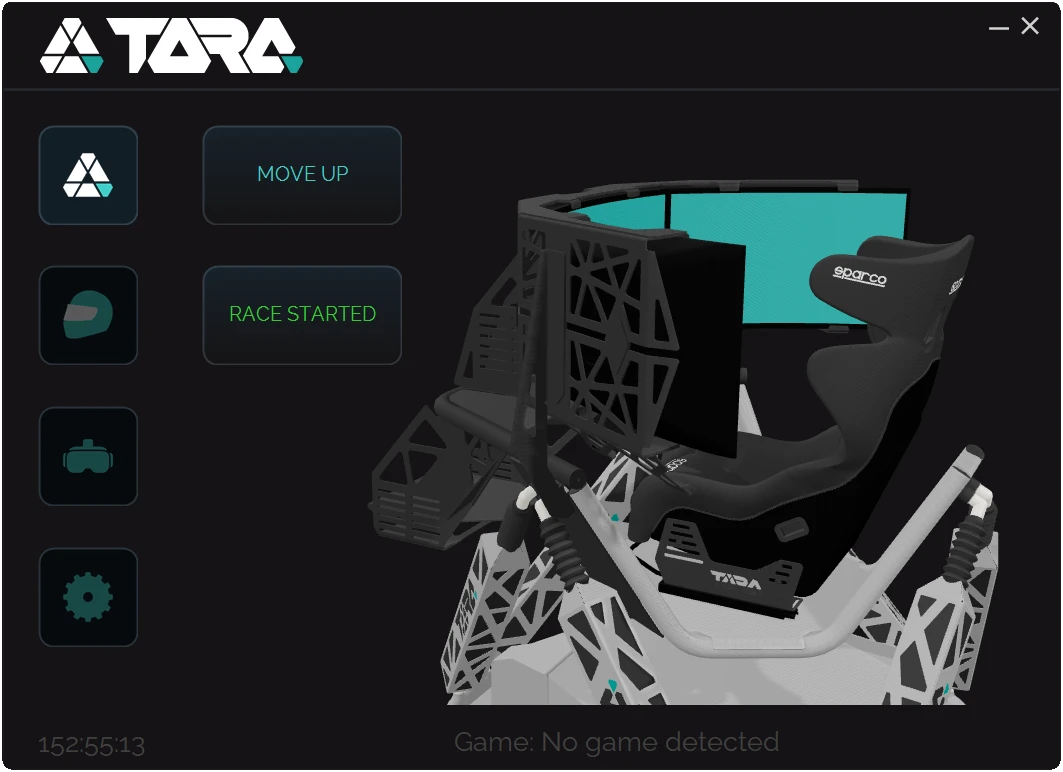
Out of the box
No profile building. No endless tweaking. Every simulator includes professionally tuned profiles that work straight out of the box — simply launch your game and start driving.
Whether it's GT racing, rally, formula cars or 6DOF flight simulation, TORQ Control is ready from day one.
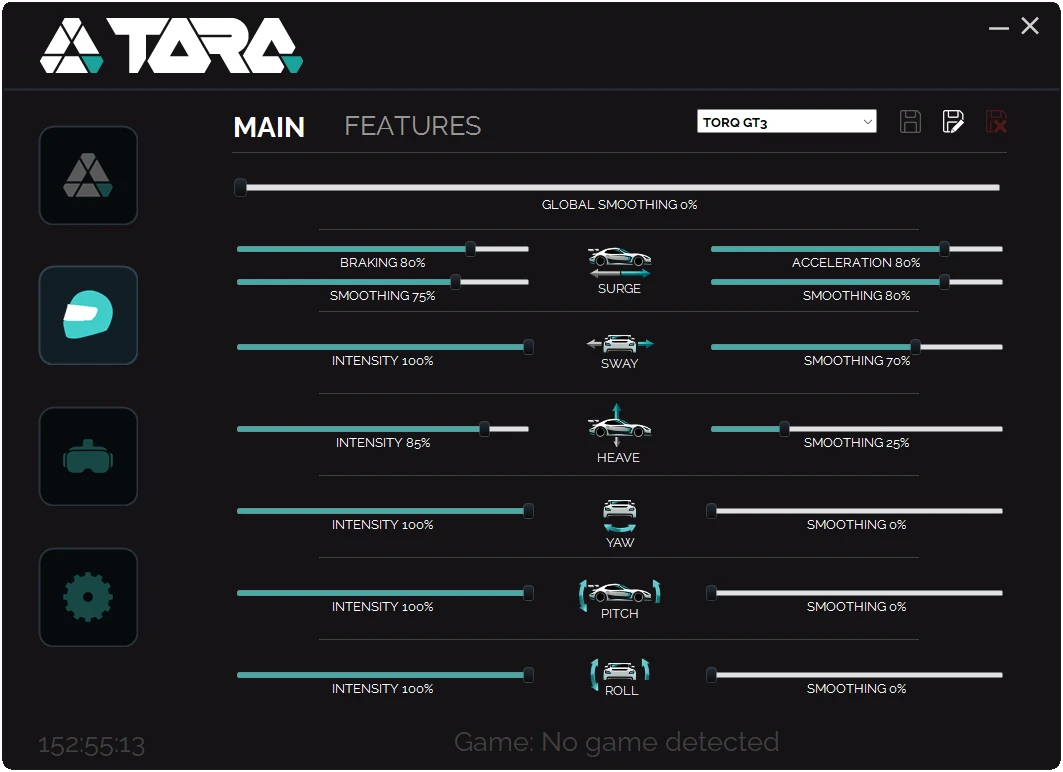
Features
Powerful protection and assistance systems, each a single switch away — no menus to learn, no parameters to memorise.
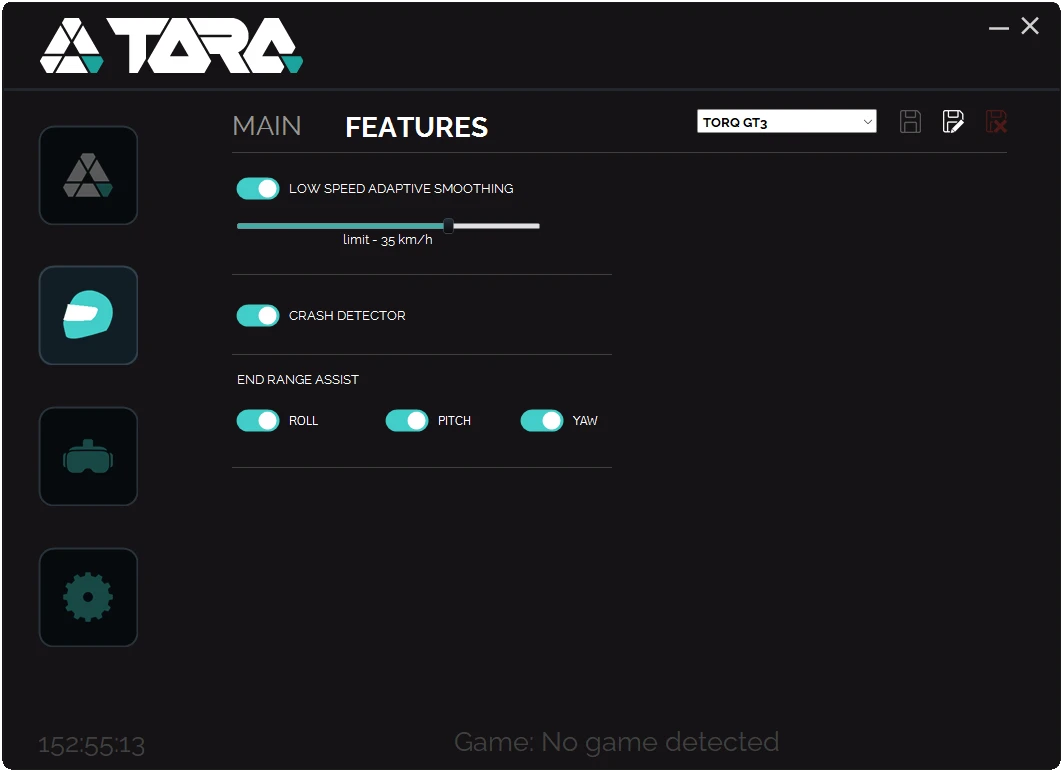
Reduces unnecessary platform movement at low vehicle speeds for a more natural driving experience.
Automatically suppresses unrealistic motion spikes during collisions and major impacts.
Preserves motion travel for the moments that matter most by intelligently managing actuator range during extreme situations.
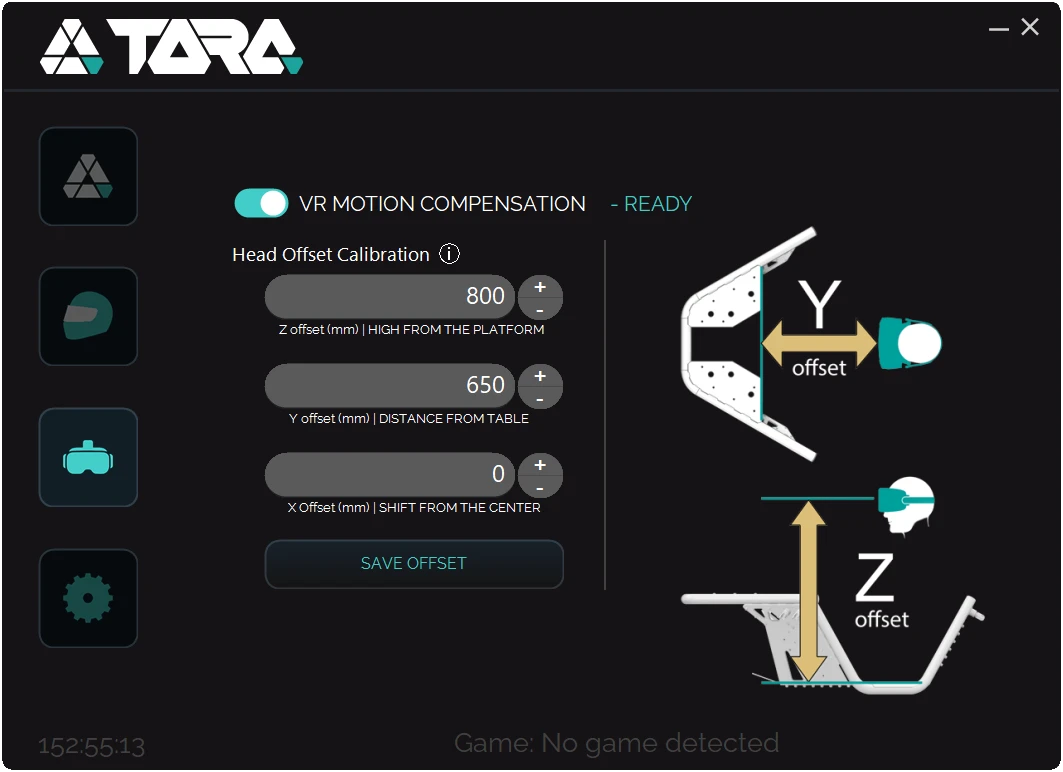
VR ready
One-click VR compensation. Built-in motion compensation eliminates headset drift caused by platform movement, keeping the virtual world stable while the simulator moves beneath you.
Simply enter your seating position and activate compensation.
Continuous development
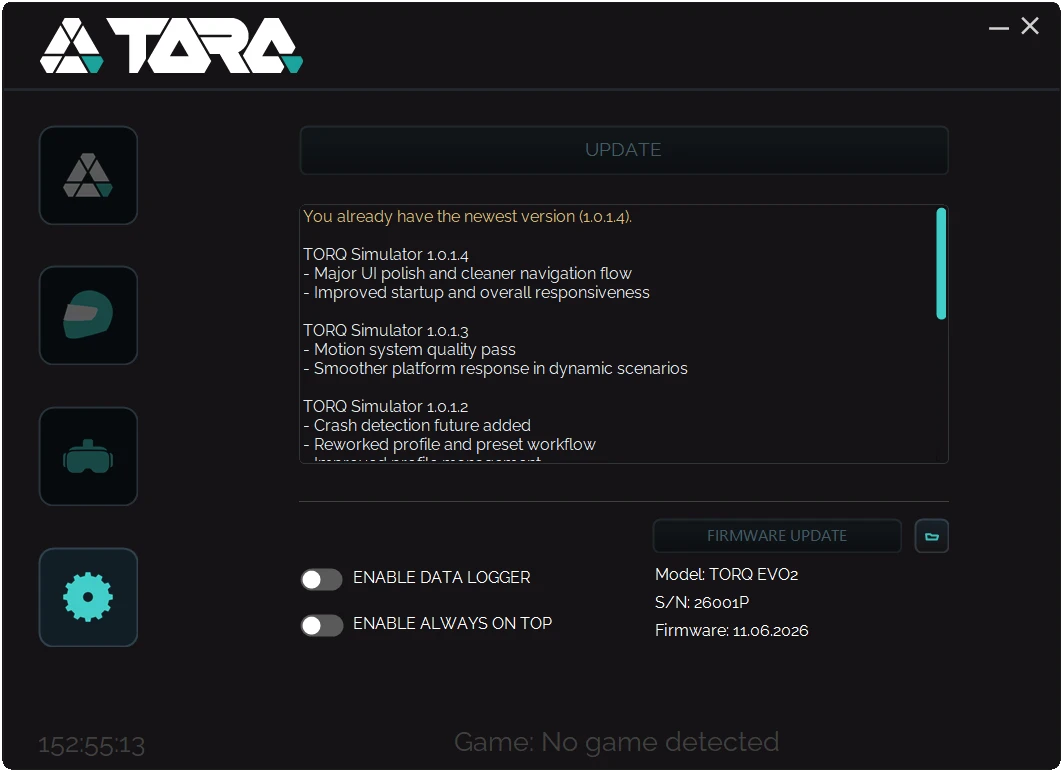
TORQ Control continuously evolves through online updates. New features, performance improvements and compatibility updates can be installed directly from within the software.
When support is needed, integrated logging tools allow our team to quickly identify issues and provide assistance.
We use cookiesNecessary cookies keep the site working. With your consent we also use analytics, marketing and external-media cookies to improve the site and measure our communication. Cookie Policy
Required for website operation, security, contact form functionality and saving your cookie preferences.
Help us understand how visitors use the website and improve its performance and content.
May be used to measure campaigns, support advertising and personalize marketing communication.
May be used by embedded content providers, such as video, map or social media platforms.